Ever feel like you’re staring at two buttons on your Facebook page, and one could waste all your money while the other could make you rich? You’re not alone. Welcome to the great Meta Ads vs Boost Post debate, a puzzle that confuses thousands of small business owners, creators, and marketers every single day.
Let’s meet Sarah. Sarah makes the most amazing custom-iced cookies in her town. She posts a photo of her latest Star Wars-themed batch, and it’s beautiful. Her friends love it. Then, Facebook (which is part of Meta, just like Instagram) shows her a little blue button: “Boost Post.”
“Only $20 to reach 5,000 more people!” it whispers.
Sarah clicks it. Why not? She wants more people to see her cookies. A week later, her $20 is gone. She got 150 new “likes” on the post, but not a single new order. She feels confused and a little cheated.
This is the exact problem you’re here to solve. You’ve heard about “Meta Ads Manager” and “boosting posts,” and you don’t know which one is right for you. You’re afraid of wasting money, just like Sarah.
Well, let’s solve this. Think of me as your guide. We’re going to break this down so simply that you’ll feel like a marketing pro by the end. No jargon, just clear answers.
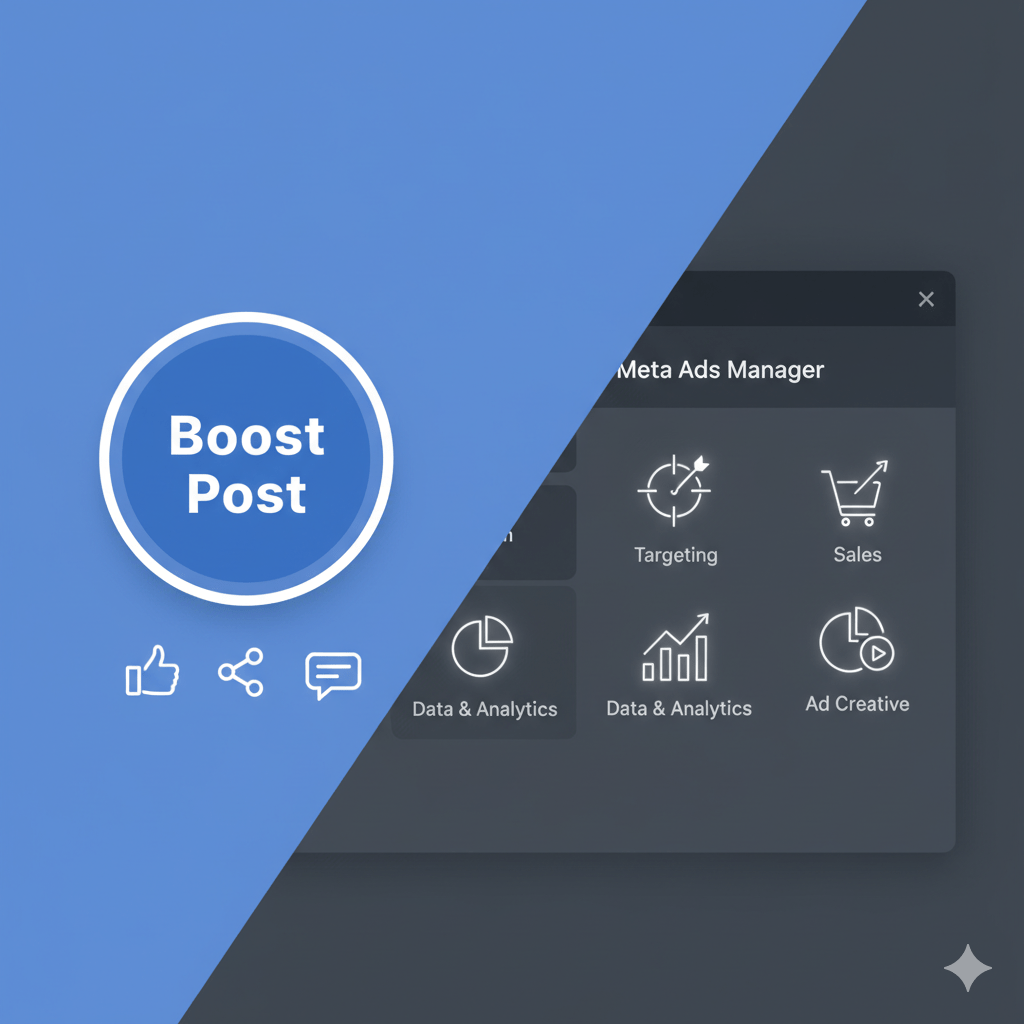
What’s the “Boost Post” Button, Really? (The Megaphone)
Let’s stick with Sarah. That “Boost Post” button she pressed? Think of it as a simple megaphone.
When Sarah posts her cookie picture, only a small number of her followers see it. When she hits “Boost,” she’s paying Facebook to hand her a megaphone. This lets her shout about her cookies to a bigger crowd.
Facebook even gives her a few simple choices:
- Who do you want to shout to? She can pick “People who like your Page,” “People who like your Page and their friends,” or “People in your local area.”
- How long do you want to shout? She can set a few days.
- How much money do you want to spend? She can set her budget, like the $20 she used.
Boosting a post is fantastic for one main thing: visibility. It’s designed to get more engagement (likes, shares, comments) on a post you’ve already created. It’s simple, it’s fast, and it’s all done from your Facebook page.
But, as Sarah learned, more likes don’t always equal more cookie sales. The megaphone is loud, but it isn’t very good at finding only the people who are hungry for cookies right now.
What is Meta Ads Manager? (The Control Center)
Now, let’s talk about the big one: Meta Ads Manager.
If boosting a post is a simple megaphone, Meta Ads Manager is the entire control center for a rocket ship.
It’s a separate, powerful tool (you find it in your “Meta Business Suite”) that does… well, everything. It looks scary and complicated at first, which is why most people just hit the “Boost” button instead. But this is where the real magic happens.
Using Ads Manager doesn’t just let you shout. It lets you build a delivery drone that can find the exact person in your city who is planning a birthday party next week and has been searching for “custom cookies.”
Let’s break down the key differences.
Choosing Your Goal: What Do You Really Want?
The first thing Ads Manager asks you is, “What is your goal?” This is the most important question in all of marketing.
- Boost Post Goal: Your only real goal is “Engagement.” This means getting likes, shares, and comments. This is great for building “social proof” (making your post look popular) but terrible for tracking sales.
- Meta Ads Manager Goals: This is where your mind will be blown. You can choose specific, business-driving goals like:
- Traffic: “I want to send people to my website.”
- Leads: “I want people to fill out a form with their email.”
- Sales (Conversions): “I want people to buy my cookies on my website.”
- App Installs: “I want people to download my new cookie-ordering app.”
- Messages: “I want people to send me a message on Messenger or WhatsApp to ask about an order.”
This one choice changes everything. In the Meta Ads vs Boost Post battle, Ads Manager wins on goals, hands down. You’re telling Meta’s powerful AI exactly what you want to achieve, not just “show this to more people.” This is a perfect example of how AI marketing bots and sophisticated algorithms work to get real results.
Pinpoint Targeting: Finding Your Perfect Customer
Remember how boosting let Sarah shout at “people in her local area”? That’s okay, but “local area” includes a lot of people who hate cookies (weir_d, I know) or are on a diet.
With Meta Ads Manager, you can get incredibly specific. Sarah can create an audience of people who:
- Live within a 10-mile radius of her bakery.
- Are female, ages 25-45.
- Are “Engaged” (their relationship status).
- AND are interested in “Wedding Cakes,” “Baking,” and “Etsy.”
Now, when Sarah runs an ad for her wedding cake samples, she’s only paying to show it to people who are very likely to be interested. This is called creative workflow automation on a personal level; you set up the rules, and the system finds the right people for your creative work.
You can even create “Lookalike Audiences.” This is when you give Meta a list of your best customers, and its AI goes out and finds millions of other people who are just like them. It’s powerful stuff.
Meta Ads vs Boost Post: The Main Event
Let’s put them side-by-side. This is the core of the Meta Ads vs Boost Post decision.
| Feature | Boost Post (The Megaphone) | Meta Ads Manager (The Control Center) |
|---|---|---|
| Main Goal | Engagement (Likes, Shares, Comments) | Everything (Sales, Leads, Traffic, etc.) |
| Ease of Use | Very Easy. Just a few clicks. | Steep learning curve. Can be complex. |
| Audience Targeting | Basic (Location, Age, Gender, Simple Interests) | In-Depth (Behaviors, life events, custom audiences, lookalikes) |
| Placements | Limited (Facebook Feed, maybe Instagram) | Full Control (Instagram Reels, Stories, Messenger, Audience Network, etc.) |
| Creative Control | You can only use an existing post. | Create ads from scratch. Run 10 different versions (A/B testing) to see which photo or headline works best. |
| Best For… | Quick visibility, building social proof, sharing a simple update. | Driving specific business results like sales, getting new leads, and long-term growth. |
Real Stories: When to Boost and When to “Go Pro”
Let’s go back to Sarah and her cookie business. She’s now our case study for understanding the Meta Ads vs Boost Post dilemma.
Case Study 1: Sarah’s First Smart Boost (Getting Noticed)
Sarah just won “Best Bakery in Town” from a local blog. She posts a picture of herself holding the award, thanking her customers. This is the perfect post to boost.
Why? Her goal isn’t to sell a cookie with this specific post. Her goal is to build community, show authority, and get her current followers excited. She spends $30 to boost it just to “People who like your Page and their friends.” The post gets hundreds of likes and congratulatory comments. Her “social proof” goes through the roof, and her page looks more popular and trustworthy to new visitors.
Lesson: Use Boost Posts for content that is already performing well and has a simple goal: more eyes and more engagement.
Case Study 2: Sarah’s First “Real Ad” (Making Sales)
It’s two months before Valentine’s Day. Sarah creates a special “Dozen Roses” cookie box. This time, she doesn’t post it on her page.
Instead, she goes into Meta Ads Manager.
- Objective: She chooses “Sales.”
- Audience: She targets people in her state who have an “Anniversary in 30 days,” are in a “Relationship,” or are “Engaged.” She also targets “Men” specifically, since they are often last-minute gift buyers.
- Creative: She makes two different ads. One with a picture of the cookie box (Ad A) and one with a video of her decorating the cookies (Ad B).
- Placement: She tells Meta to show it on Facebook and Instagram Feeds and Stories.
She runs the ad for two weeks. The Ads Manager data shows her that the video ad (Ad B) is getting 3x more sales than the photo ad. She turns off Ad A and gives more money to Ad B. By Valentine’s Day, she has sold 200 boxes, all directly tracked by Ads Manager.
Lesson: Use Ads Manager for any campaign with a specific business goal, especially sales.
Case Study 3: The Local Coffee Shop’s Smart Mix
Our local coffee shop, “The Daily Grind,” uses both.
- They Boost Posts when they have a new “Barista of the Month” or a picture of a cute dog on their patio. This keeps their community engaged and feeling good.
- They use Meta Ads Manager for their “Download Our App” campaign, which gives people a free coffee. The ad’s “Call to Action” button links directly to the app store. They track exactly how many people download the app from the ad. This is a level of creative workflow automation that a simple boost can’t provide.
The big takeaway is: It’s not always Meta Ads vs Boost Post. The smartest businesses use both for different reasons.
Your Simple Starter Plan: From Boosting to Bossing
Okay, you get the difference. But how do you start? Here is a simple, 3-step plan.
Step 1: Your First Boost (The Right Way)
Don’t just boost any random post. Wait until you have a post that is already getting good likes and comments from your followers. This is called a “winner.” Boosting a winner is much more effective. When you boost it, choose “People who like your Page and their friends” to expand your reach to a relevant audience.
Step 2: Get Your “Magic Code” (The Meta Pixel)
This is the most important step before you spend real money on ads. The Meta Pixel (now called a “Dataset”) is a tiny piece of code you put on your website.
Think of it as a friendly security camera. It tells Meta, “Hey, someone who saw your ad just visited the website!” and “Hey, this person added cookies to their cart!” and “Hey, this person BOUGHT THE COOKIES!”
Without this, you are flying blind. With it, you can track your “Return on Ad Spend” (ROAS), understand key metrics like what a good CTR for Meta Ads looks like, and Meta’s AI can learn what your customers look like and find more of them. You can find this in your Meta Business Suite under “Events Manager.”
Step 3: Your First Ads Manager Campaign (Keep it Simple!)
Don’t try to be a guru overnight. Go into Ads Manager and create your first campaign.
- Goal: Choose “Traffic.”
- Budget: Set it to just $5 per day.
- Audience: Choose your location and 3-5 interests that your perfect customer would have.
- Ad: Use a simple, clear image and a headline that says what you do.
- Link: Send them to your website’s homepage.
Let it run for a week. Watch the numbers. See what happens. You’ve just taken your first step from a megaphone to a rocket ship.
Helpful Tools to Make It Easier
While the main tools are Meta’s, a few others can help: 3. Meta’s Ad Library: A “secret” tool that lets you see the ads any brand is currently running. You can spy on your competitors (or your heroes) to get ideas.
- HubSpot: They have a great marketing blog and free “Make-an-Ad” tools that can help you write your ad copy. (This is a credible reference!)
- Meta’s Own Blueprint: Meta offers free online courses to teach you how to use their tools. They want you to succeed so you’ll spend more money. (This is our second credible reference!)
The Final Verdict: Meta Ads vs Boost Post?
So, who wins the Meta Ads vs Boost Post fight?
The answer is: You do.
You now know the secret. You know that the “Boost Post” button is the easy, fast megaphone for getting more of what you already have (likes and shares).
And you know that the Meta Ads Manager is the powerful, professional control center for getting new things you don’t have (website sales, new leads, app downloads).
Sarah isn’t confused anymore. She uses “Boost Post” to celebrate her wins and build her community. But she uses Meta Ads Manager to grow her empire, one cookie box at a time.
Don’t be afraid of the control center. Start small, test, and learn. The only “wasted money” is the money you spend without a clear goal.