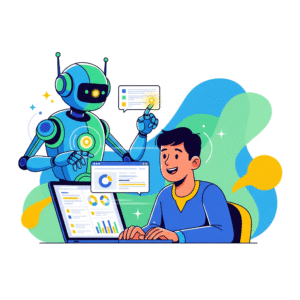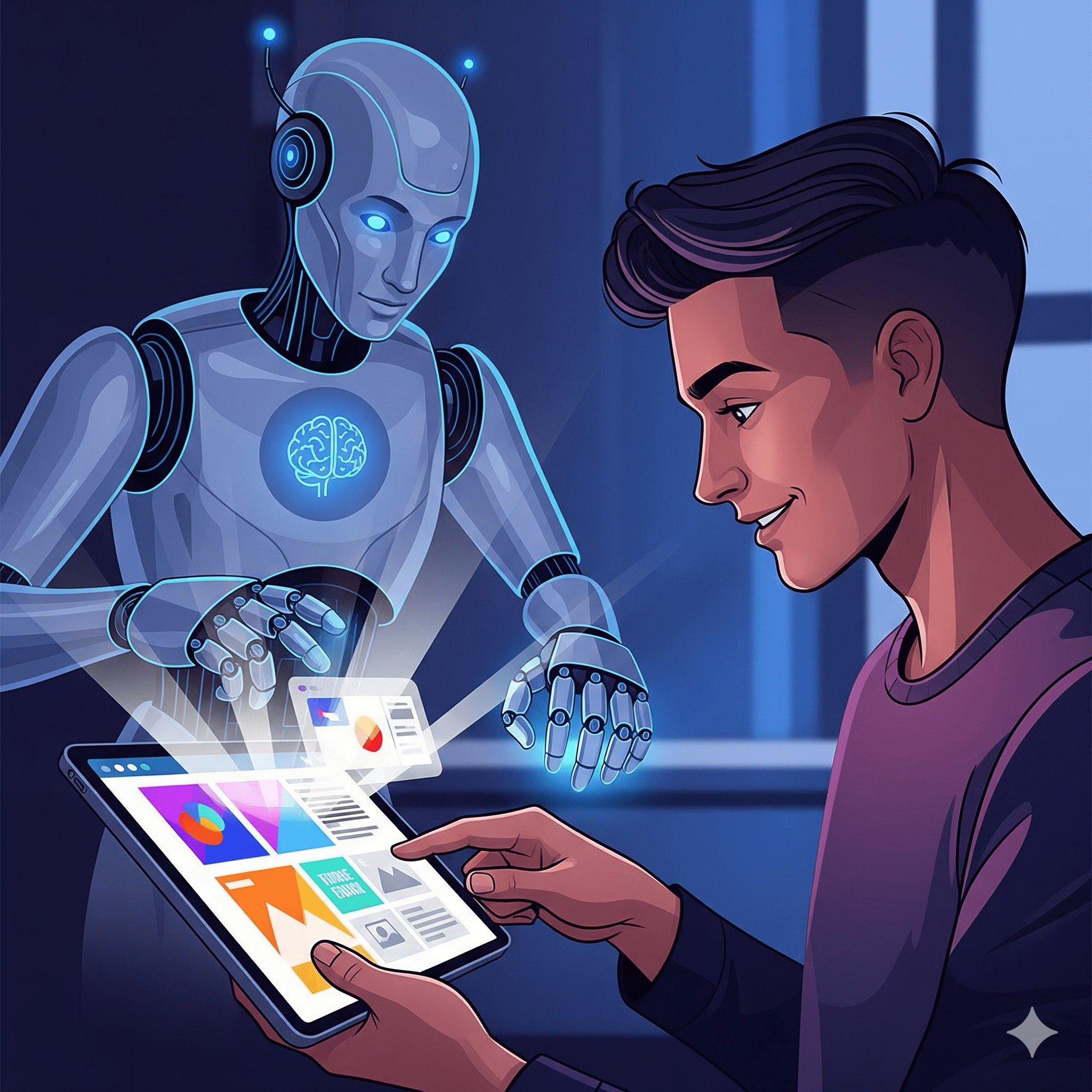
Think about a time when you used an app or a website and it just felt… right. Everything was easy to find. The buttons were in the right places, and the colors were pleasing to the eye. That “right” feeling is thanks to a UI/UX designer. These creative professionals build the digital experiences we use every day. In the past, this work involved a lot of time-consuming tasks. This included creating wireframes from scratch, gathering user feedback, and making a lot of small changes. But now, AI tools for UI/UX designers are changing the game.
AI is not here to replace the designer. Rather, it is here to act as a partner. It helps designers handle all the boring parts of the job. This frees them up to focus on the fun, creative parts. The result? Designers can create better experiences for users in less time. This article is your ultimate guide to using AI in your design process. We will explore how AI is helping at every stage of the design process. We will also look at real-world examples and the top tools you should be using. By the end, you’ll know how to use AI to become a more effective and creative designer.
AI for User Experience: Understanding People Better (AI tools for UI/UX designers)
A great design is not just about how something looks. It’s also about how it feels to use. This is called the user experience, or UX. A good UX designer understands what people need and want. They also know what makes people feel frustrated. This research used to take a lot of time. It involved talking to people and analyzing their feedback. Now, AI for user experience is making this process faster and smarter.
Here are some ways AI helps with UX research:
- Analyzing Feedback: AI can read thousands of customer reviews and support tickets in minutes. It then finds patterns and tells you what people are complaining about. This helps you find problems in your design that you didn’t even know existed.
- Predicting Behavior: AI can look at how people are using your app or website. It can then predict what they will do next. This helps you make smarter decisions about where to place buttons or how to organize your content.
- A/B Testing: A/B testing is when you show two different versions of a website to people to see which one performs better. AI can run these tests for you much faster than a human could. It then tells you which design is the winner.
A great example of this is Netflix. Their AI looks at what you watch and for how long. It then uses this information to suggest what you should watch next. This personalization is a big part of why people love using Netflix. It’s a great example of AI for user experience in action.
UI/UX Design with AI: Your Creative Assistant (AI tools for UI/UX designers)
Once you know what people need, you have to build it. This is where UI/UX design with AI really shines. UI, or User Interface, is all about the buttons, colors, and layout of a website or an app. AI is here to help you with all of this. It acts like a creative assistant that can handle the tedious parts of the design process.
Here are some of the ways AI helps with UI design:
- Generating Wireframes: A wireframe is like a blueprint for a website or an app. It shows you where all the buttons and text will go. In the past, designers had to draw these by hand or create them in software. Now, you can give an AI a simple text prompt, and it will create a wireframe for you in seconds.
- Creating Mockups: A mockup is a picture of what the final design will look like. The AI can take a simple wireframe and create a beautiful mockup for you. It can even suggest different color palettes and fonts.
- Prototyping: A prototype is a working version of an app or a website. The AI can create a clickable prototype for you in minutes. This allows you to test your design with real people very quickly.
According to a study by UX Tigers, UX professionals use AI for tasks like ideation, research, and copywriting. This is a clear sign that UI/UX design with AI is no longer a futuristic idea. It is a very real part of the job today.
Real-World Applications of UI/UX Design Tools
Many of the world’s most successful companies are using AI to improve their design. These case studies prove that AI tools for UI/UX designers can lead to great results.
Case Study 1: Spotify’s AI-Driven UX Testing
Spotify, the music streaming service, has a huge user base. They need to make sure their app is easy to use for everyone. They use AI for UX testing. The AI can run many tests at once. It also finds small design flaws that a human might miss. This has helped them fix problems faster. It has also allowed them to release new features more often. This is a great example of how AI can improve a company’s product development.
Case Study 2: Netflix’s AI-Powered Personalization
We already talked about Netflix’s recommendation engine, but it goes deeper than that. Their AI also designs the user interface. It can change the layout and the images on your home screen to show you what you’re most likely to click on. It even personalizes the thumbnail images for shows and movies. This helps people find content they love faster. In fact, internal studies showed that the average browsing time before selecting content decreased by nearly 30% with these AI enhancements. This shows that AI for user experience can directly lead to more engagement.
Automating Business Processes with AI: Save Time, Boost Profits
Case Study 3: The Design Agency’s Efficiency Boost
A design agency was struggling with long design cycles. They needed to find a way to speed up their work without sacrificing quality. They started using AI to create wireframes and mockups. This allowed them to create and present many ideas to clients in a short amount of time. Their design sprints became much shorter. As a result, the agency was able to take on more projects and make more money. This shows how UI/UX design tools can make a business more competitive.
On-Page SEO with AI: The Ultimate Guide
Top AI Tools for UI/UX Designers in 2025
The market for AI design tools is growing rapidly. It can be hard to know which ones to use. Here are a few to get you started.
- Uizard: This is an AI-powered wireframing and prototyping tool. It can convert a hand-drawn sketch or a screenshot into a digital mockup. It’s a great tool for beginners.
- Adobe Sensei: This AI is built into Adobe’s products like Photoshop and Illustrator. It helps you with things like removing backgrounds and resizing images. It also has a tool called “Generative Fill” that lets you add or remove objects from an image with a simple text prompt. [See source](https://www.adobe.com/uk/sensei/generative-ai.html).
- Attention Insight: This is a great tool for UX research. It uses AI to predict how people will look at your design. It then gives you a heatmap that shows you what people will see first. This helps you find design flaws before you even launch your product.
- Galileo AI: This is an AI tool for UI mockups. You can give it a simple text prompt, like “create a social media app for dog lovers,” and it will create a full design for you. It’s a great tool for ideation.
These tools are at the forefront of the UI/UX design tools space. They can help you take your designs to the next level. (AI tools for UI/UX designers)
Conclusion: The Future is a Partnership
So, is AI going to replace UI/UX designers? The answer, as you can see, is a clear no. Instead, AI is changing the job for the better. It is taking away the boring, repetitive work. This frees up designers to be more creative and strategic. The future of design is a partnership between human creativity and AI efficiency. The AI can handle the data and the dynamic lessons. The human handles the creative, emotional, and strategic parts of the job.
According to a McKinsey report, the most successful companies are the ones that redesign their workflows to include AI. [See source](https://www.mckinsey.com/capabilities/quantumblack/our-insights/the-state-of-ai). This is a huge change. But it is not about replacing the human. It is about empowering the human. The designers who learn to use AI as a partner will be the ones who stand out. They will be more productive. They will also be more creative. Also, They will be able to create more great designs and have a more enjoyable workflow. (AI tools for UI/UX designers)